About Mobond
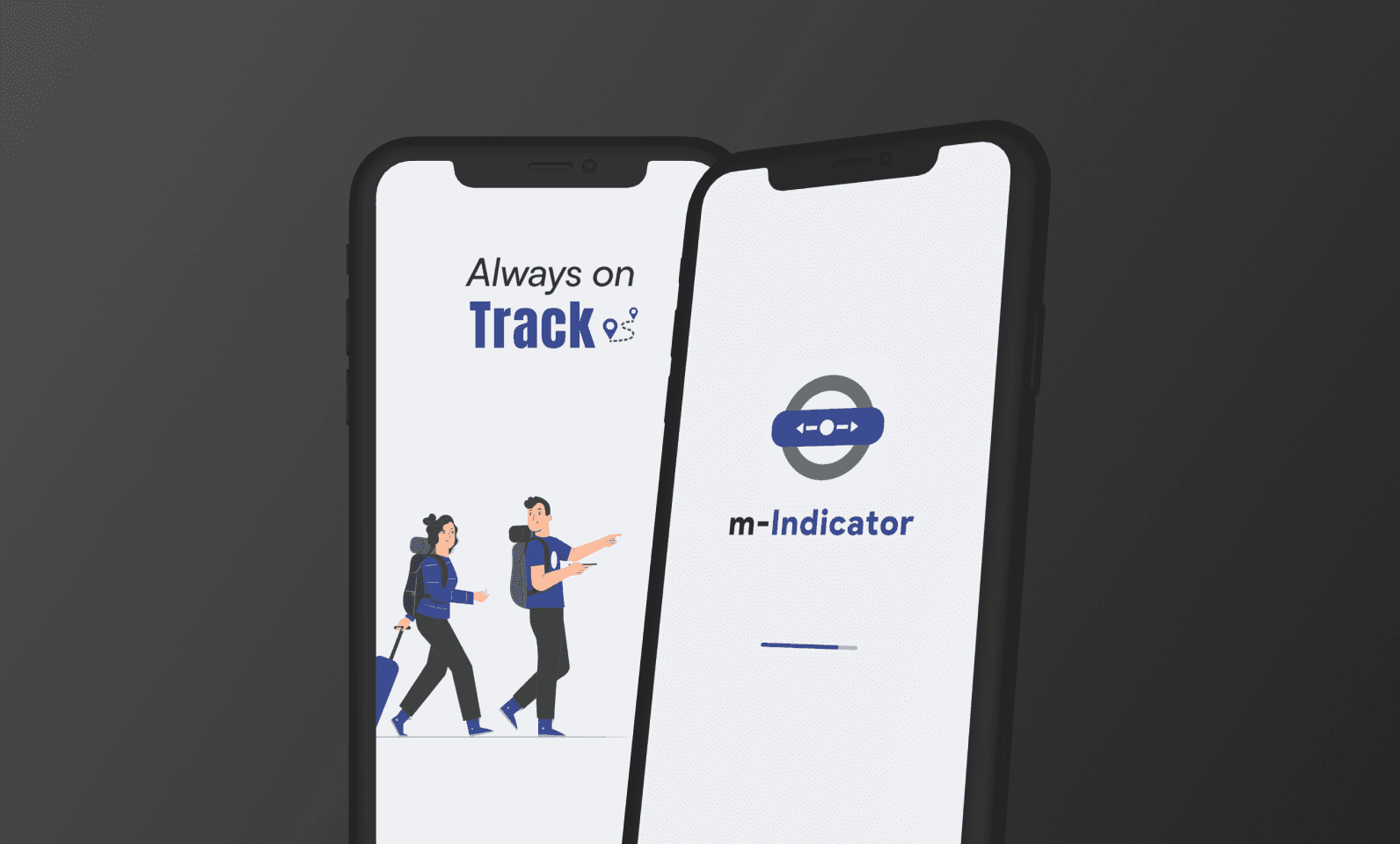
Mobond launched first free product m-Indicator in May 2010. Mobond is a combination of two words 'Mob' and 'Bond'. The name suggests its aim is to 'bonding the mob' or 'bonding the angry crowd'.
Mobond is dedicated to build software products which will be useful to masses. We regularly collect transit data from cities and towns in India. Our aim is to provide updated travel information to commuters
About m-indicator
M-Indicator is a transportation related mobile application that primarily provides information about public transportation in the cities of Mumbai and Pune. It contains details about 232 trains, making 3,000 daily trips through 108 stations on the city's suburban train network.
It has 84,000 timetable entries. The application has been downloaded by over 1 crore users. The application hosts a chat on which Mumbai's 75 lakh commuters share real time information about rescheduling or cancellation of train services.
User Research
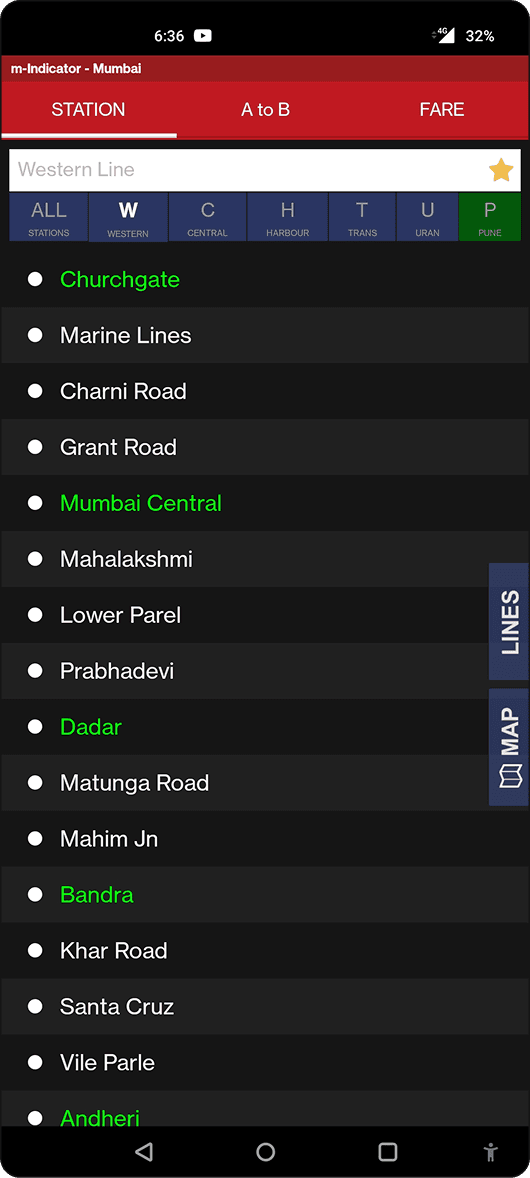
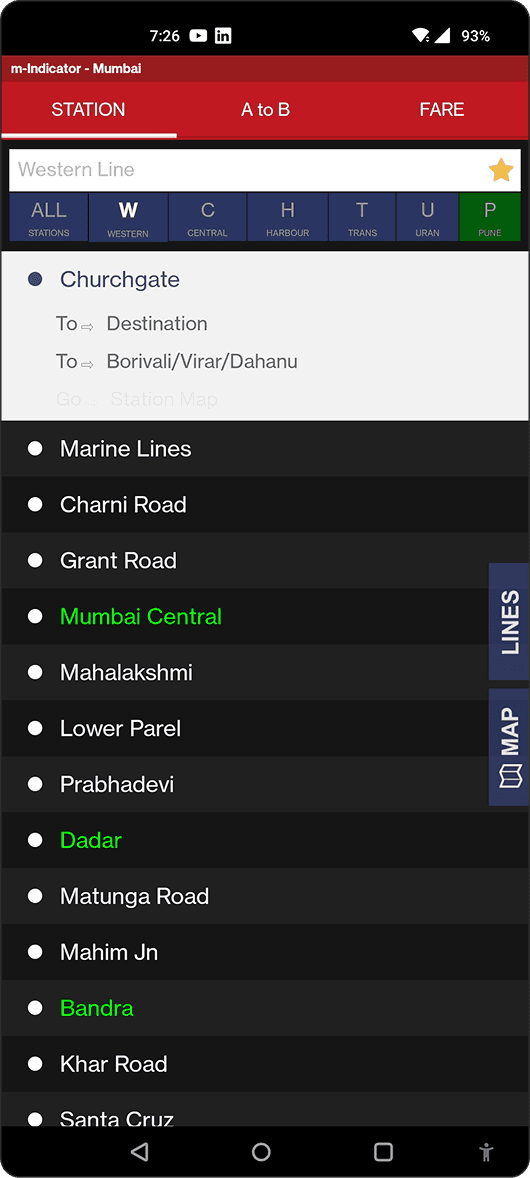
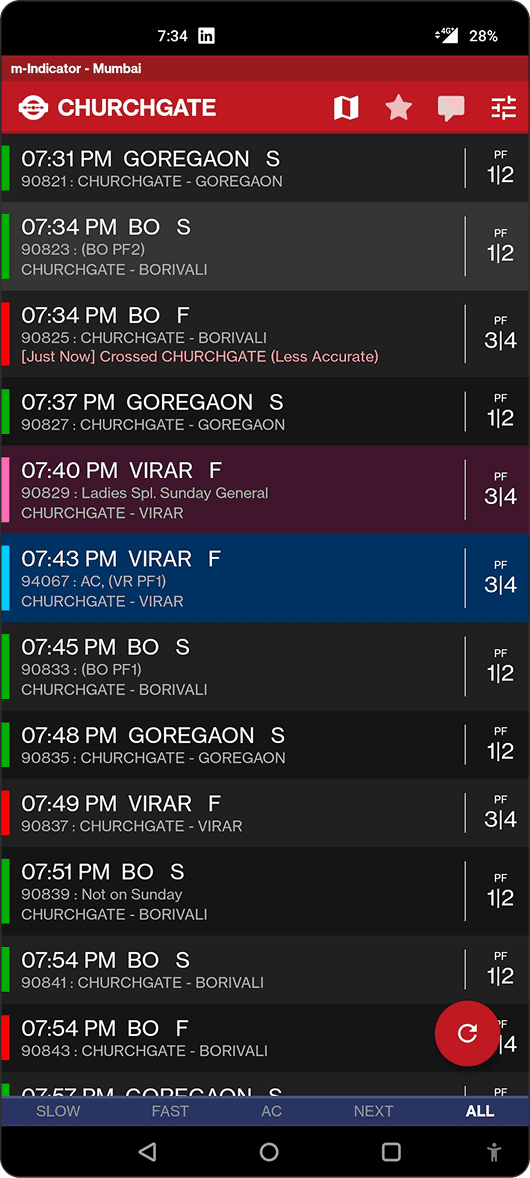
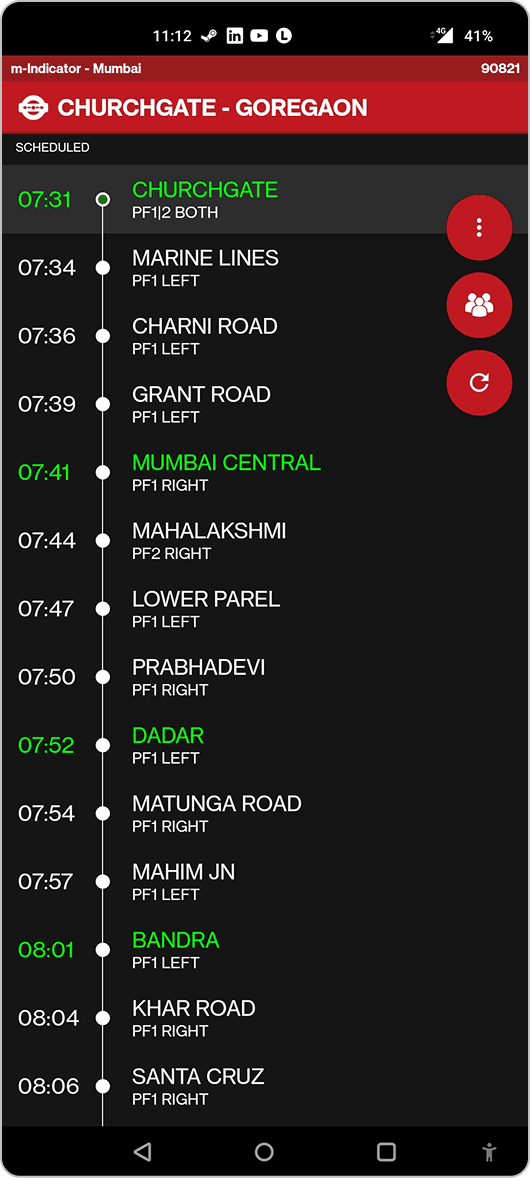
Existing Screens
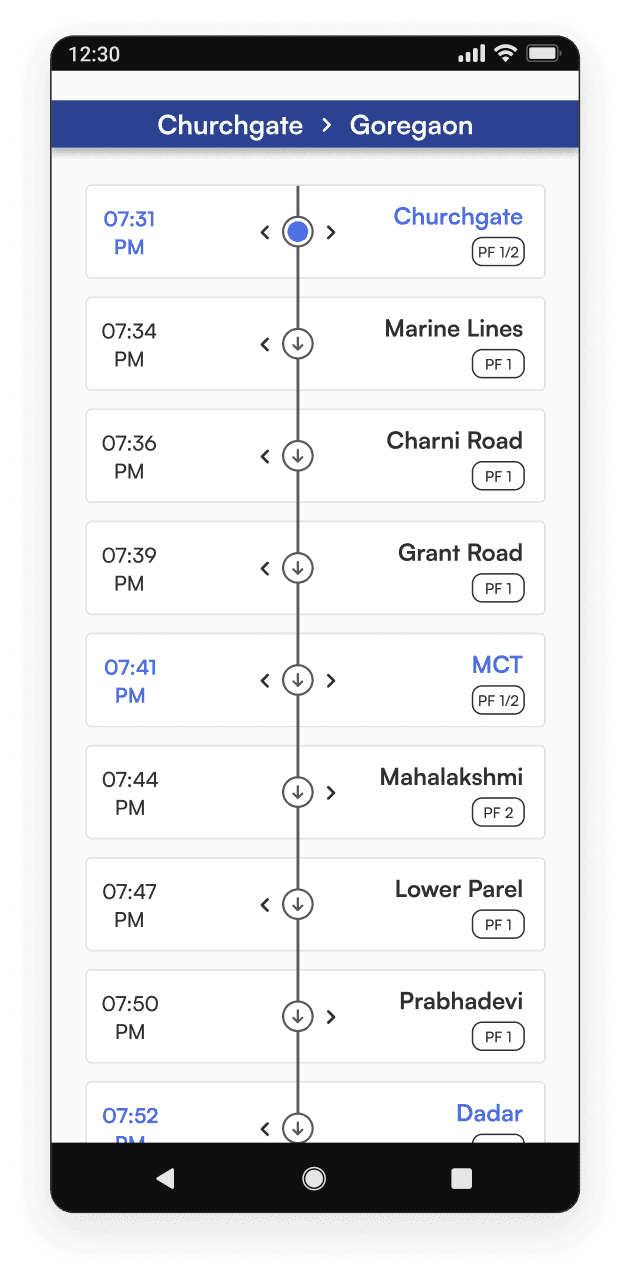
Based on the research conducted at the UX stage, I started developing wireframes. It was important to conveniently arrange the elements on the screens and provide an intuitive structure of the application.
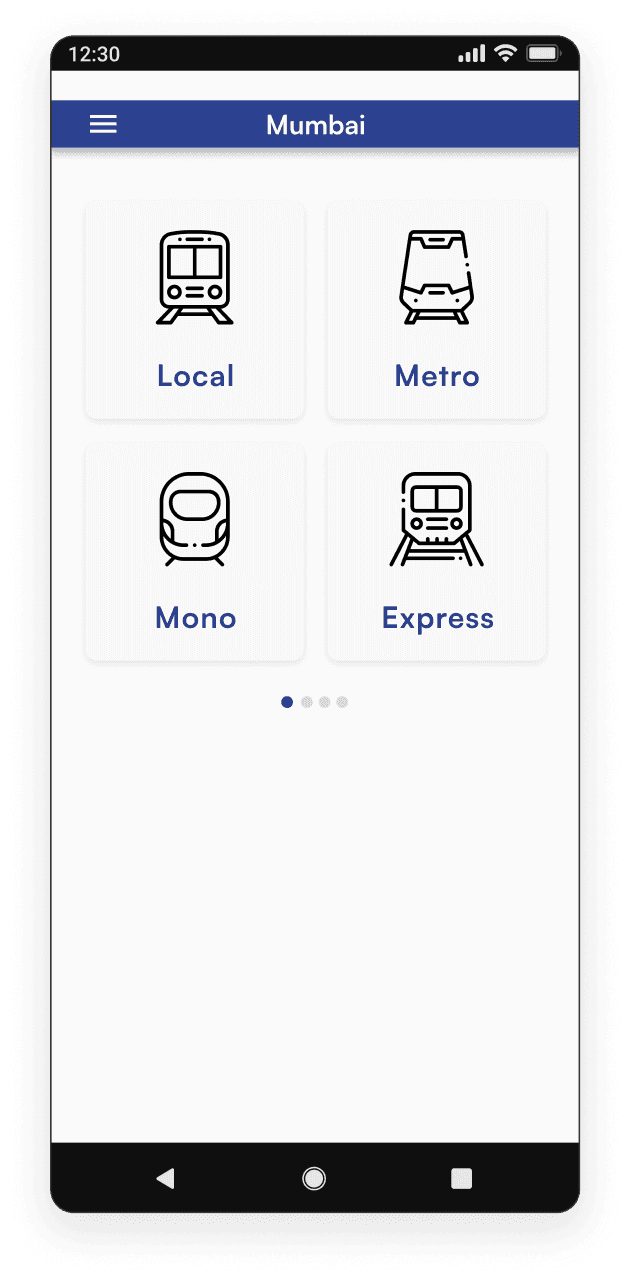
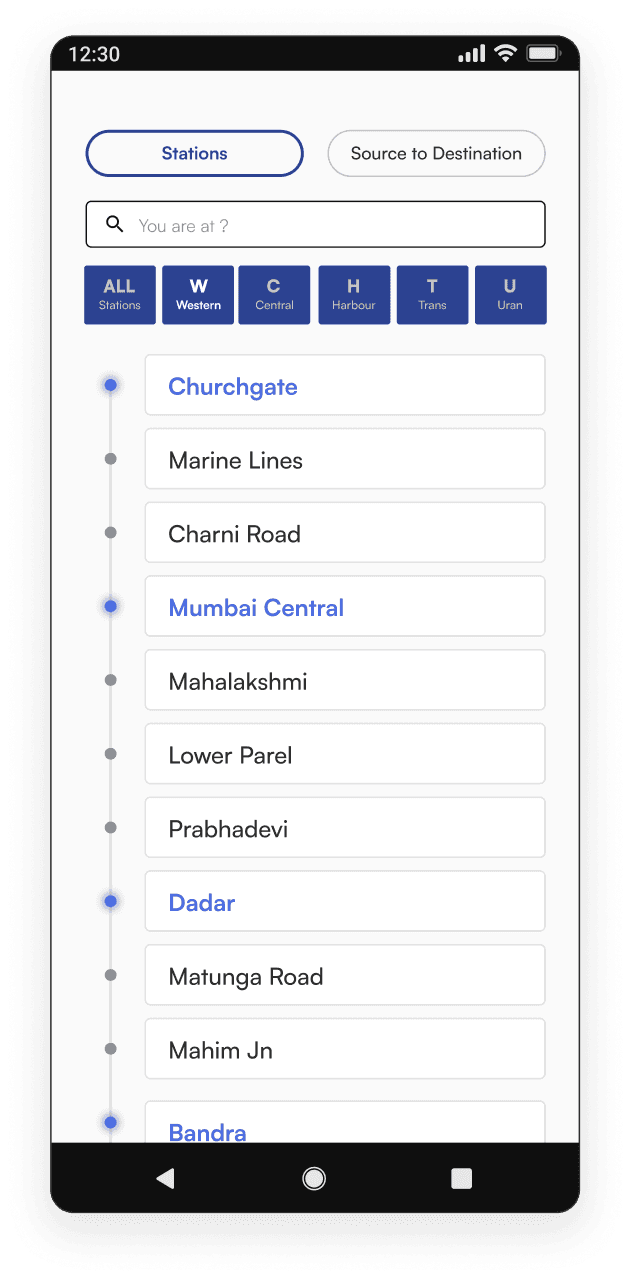
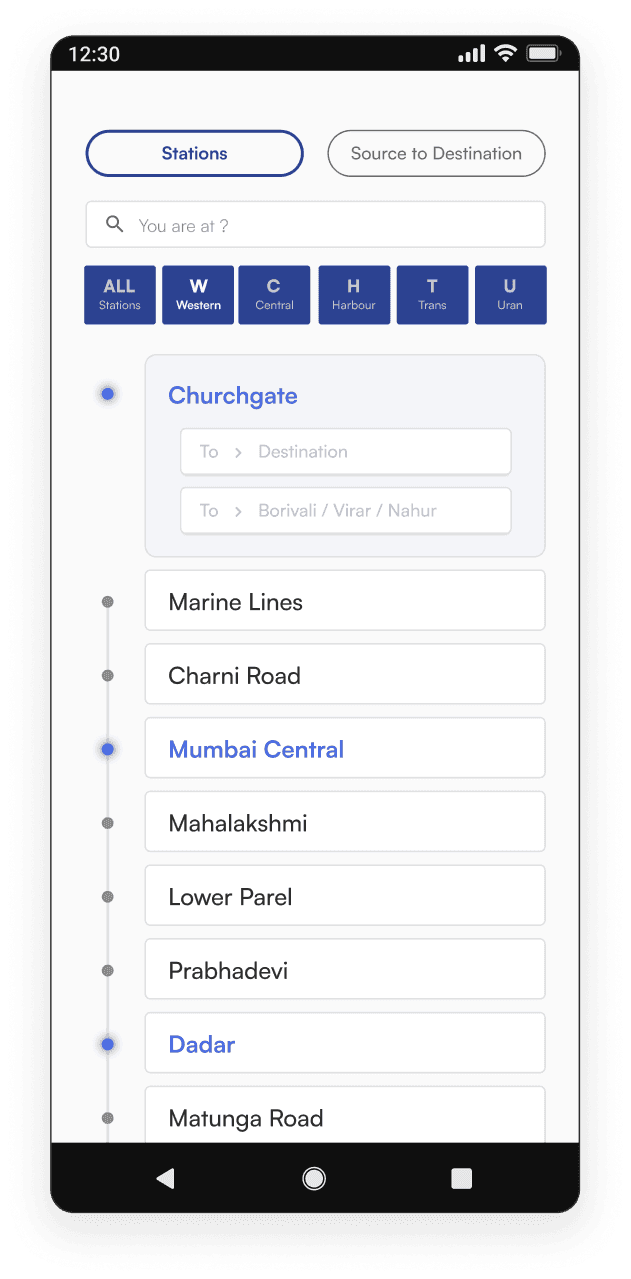
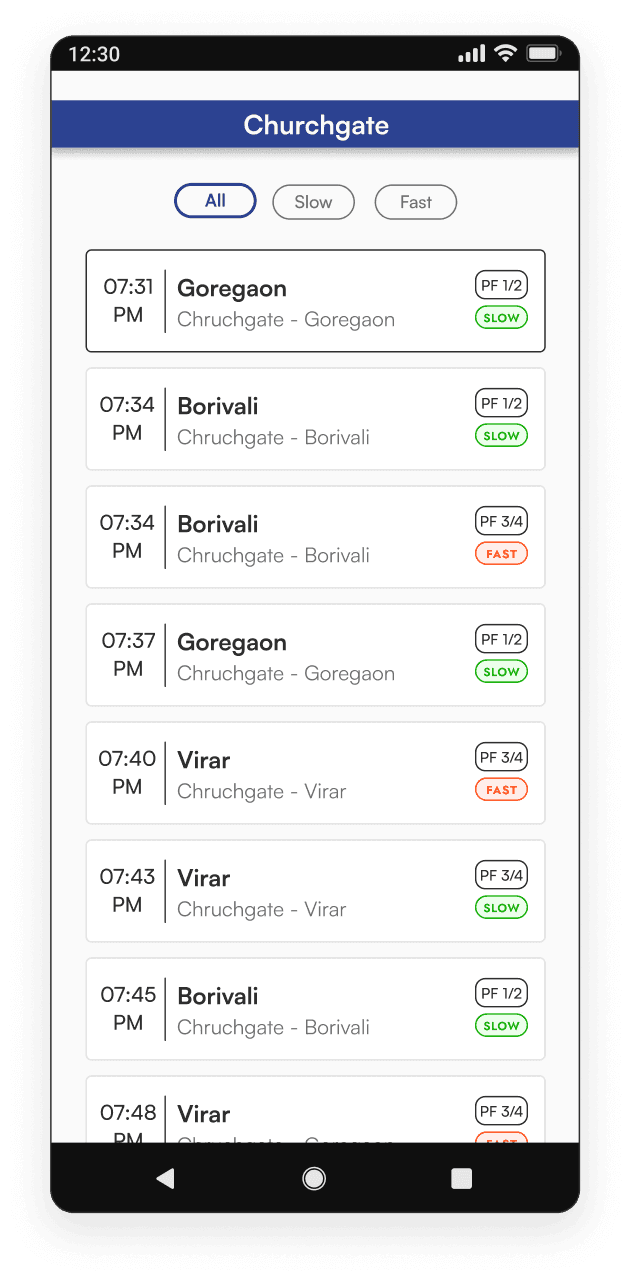
Final Screens
Based on the research conducted at the UX stage, I started developing wireframes. It was important to conveniently arrange the elements on the screens and provide an intuitive structure of the application.
Sprint Goals
These are the sprint goals I've prioritized for this project, considering the multitude of potential improvements.
These goals were selected because I believe they are of the highest priority in delivering a more seamless and user-friendly M-Indicator experience
Make it easier for the user to spot significant information on the app.
Align the apps UI with some of the more recent UI trends so that it dosen’t look outdated.Custom Digital Certificates issues to them as a token of appreciation.
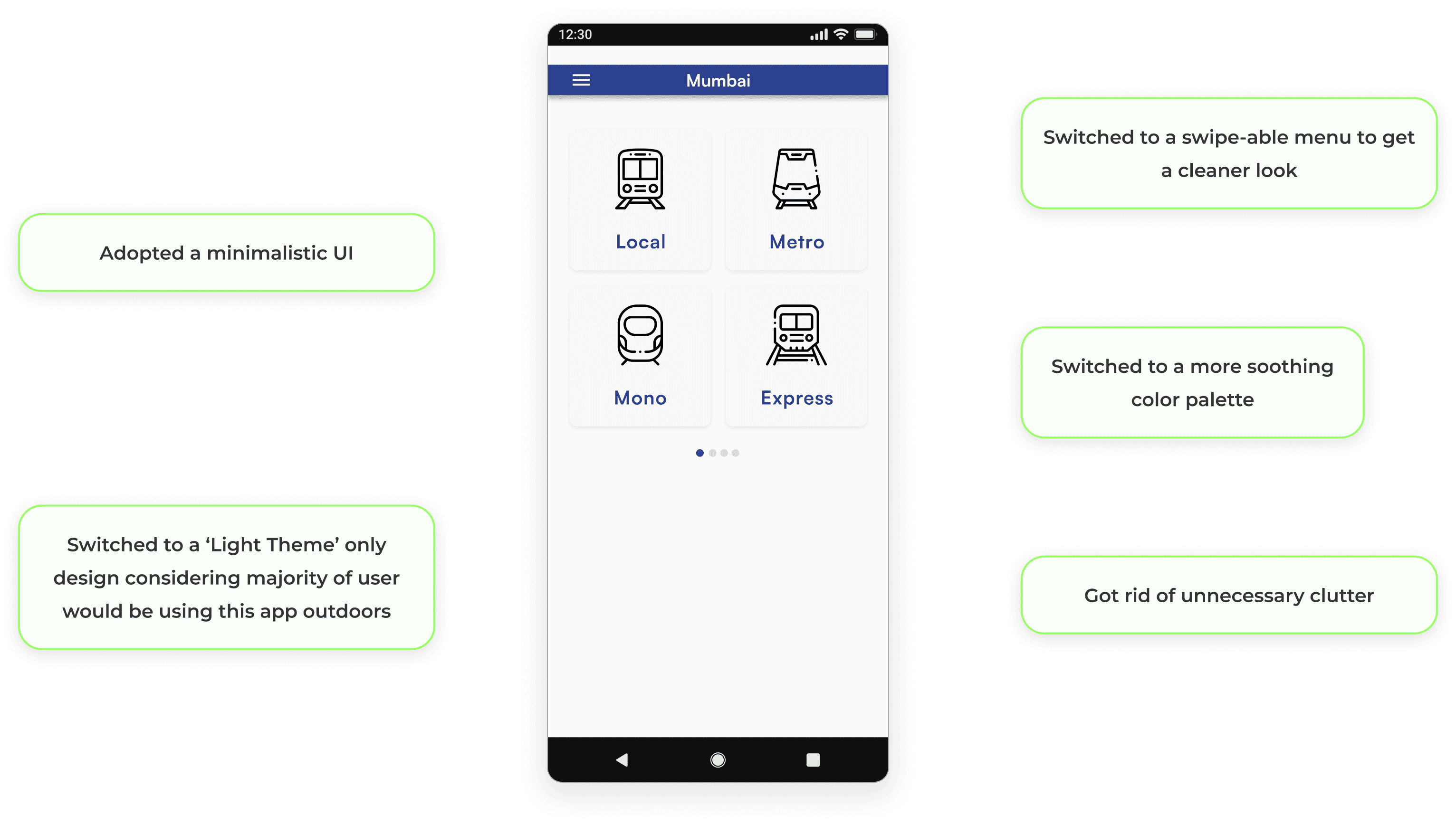
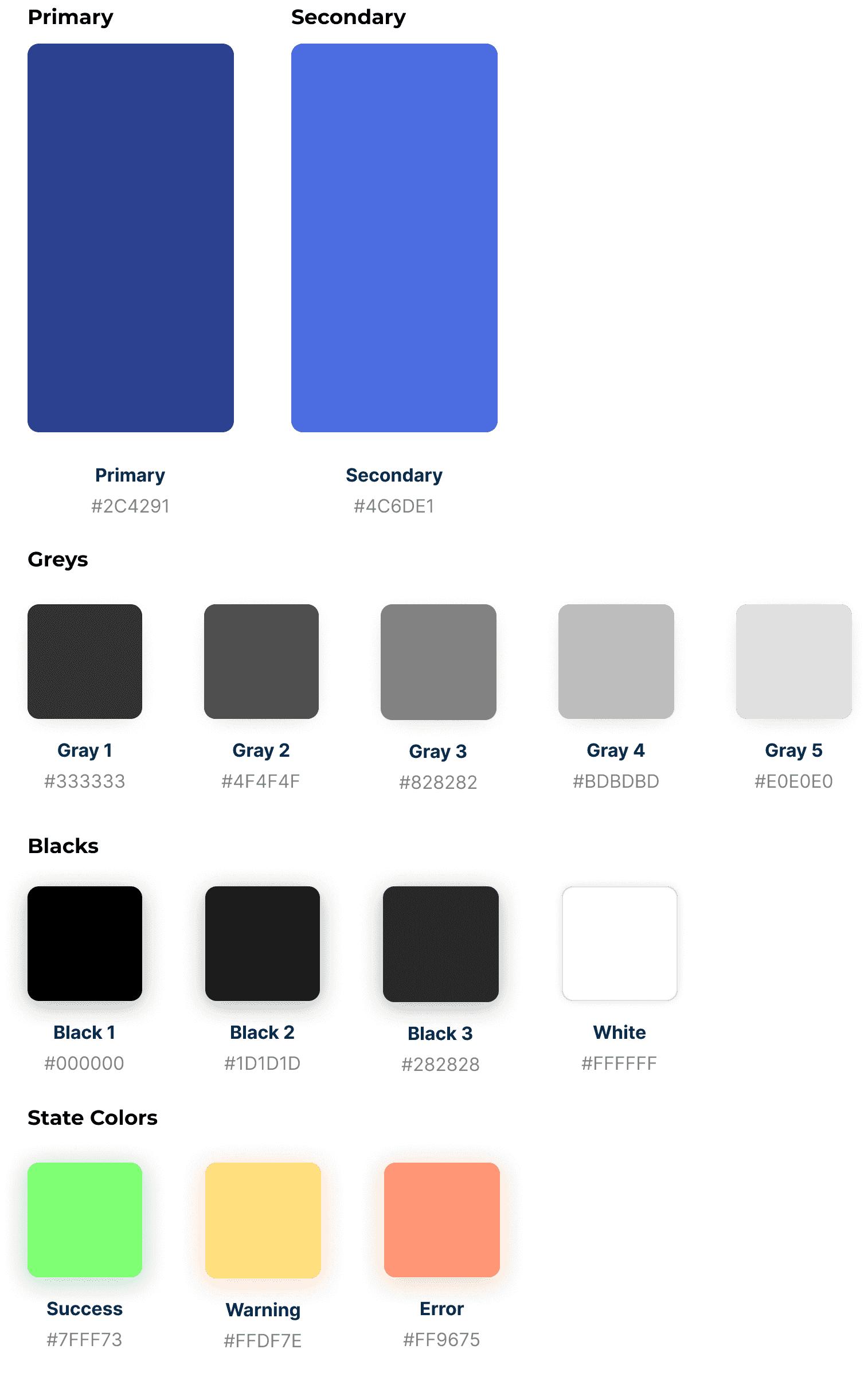
Make the UI more visually pleasing mainly by improving the color palette and declutering it.
User Pain Points
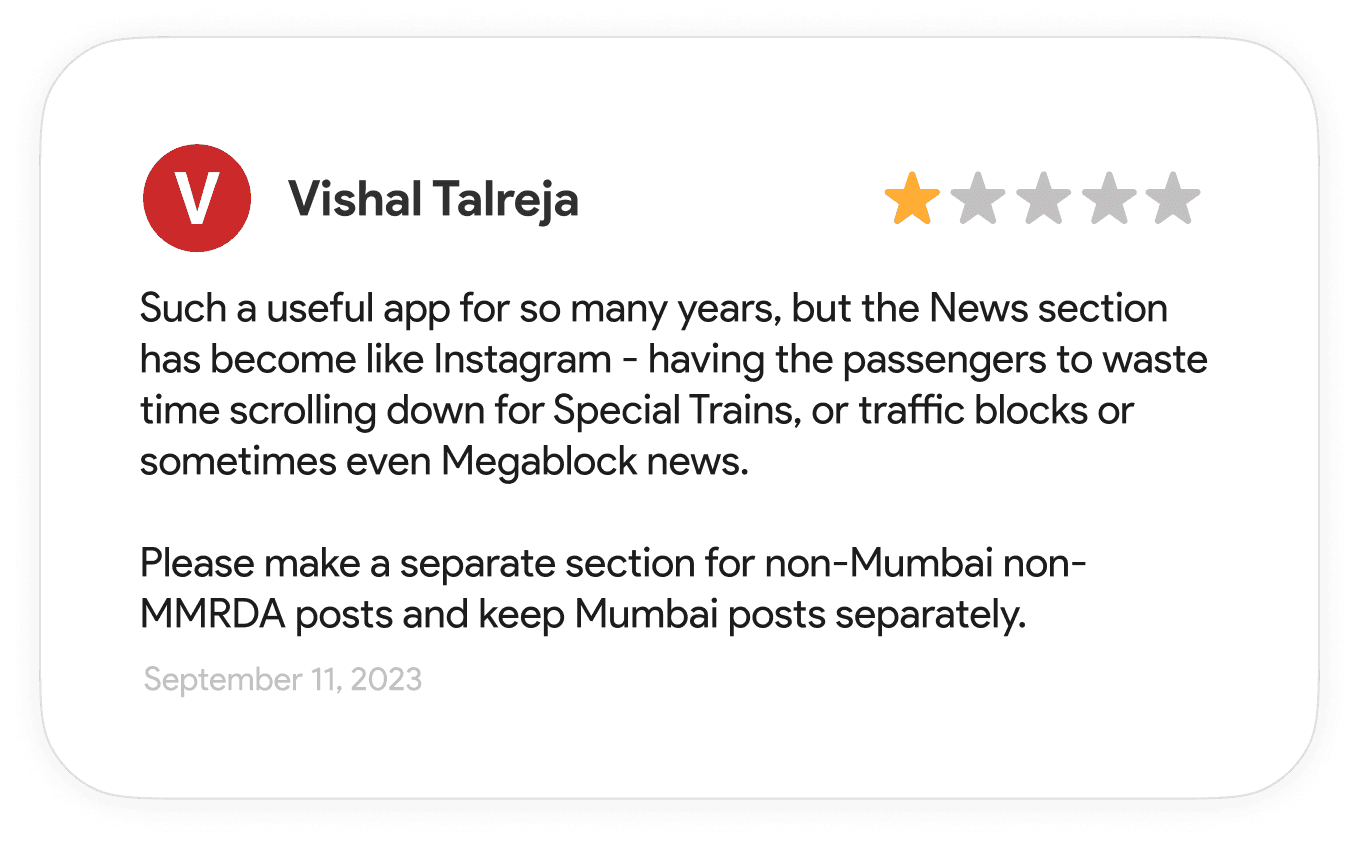
Now, let's delve into the pain points of the current design, drawing from both user research and personal observations, to identify areas where we can make significant improvements.
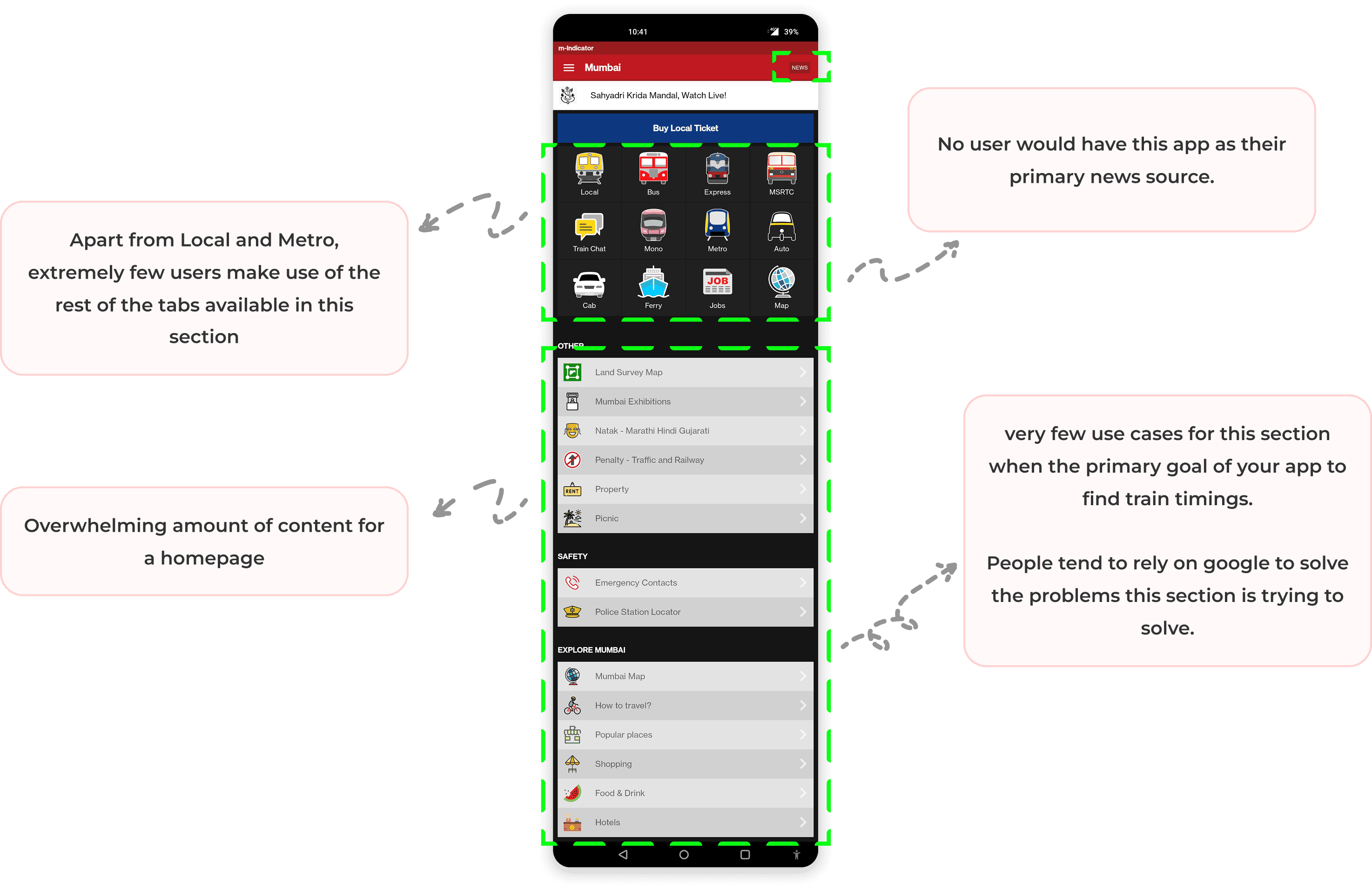
Majority of the users (more than 90%) use this app for railway travel only.
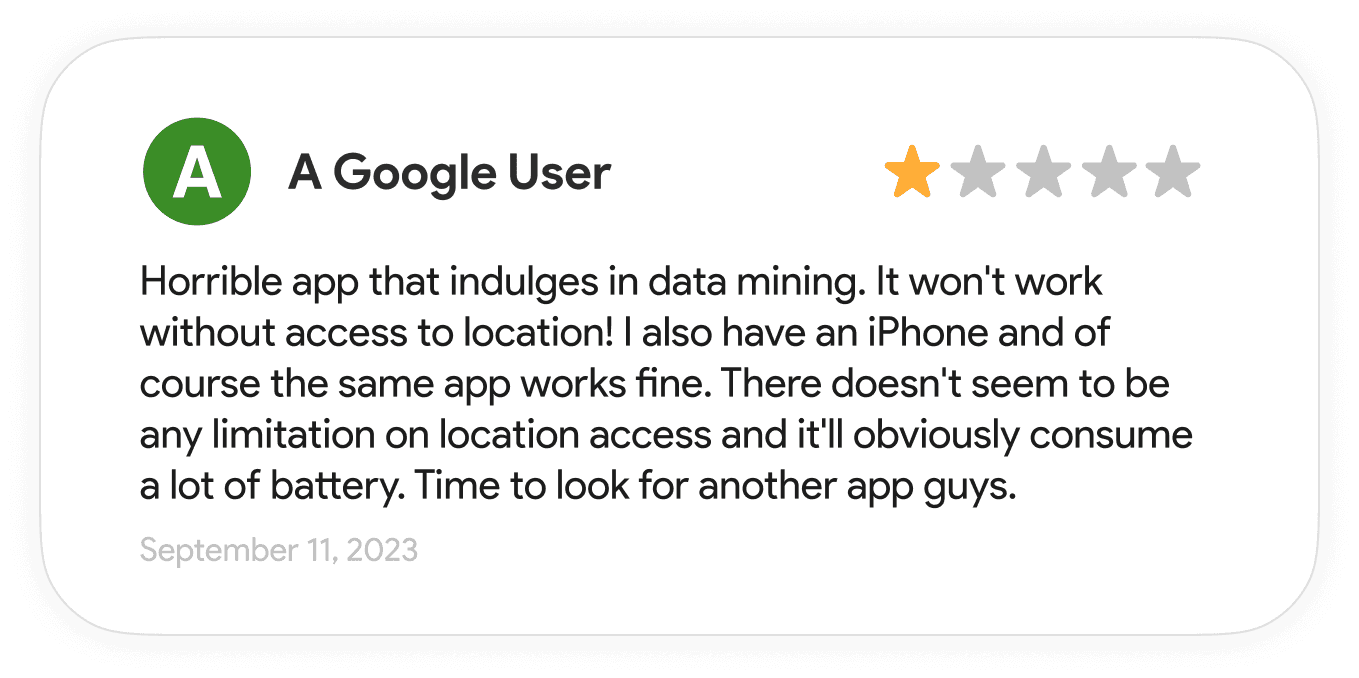
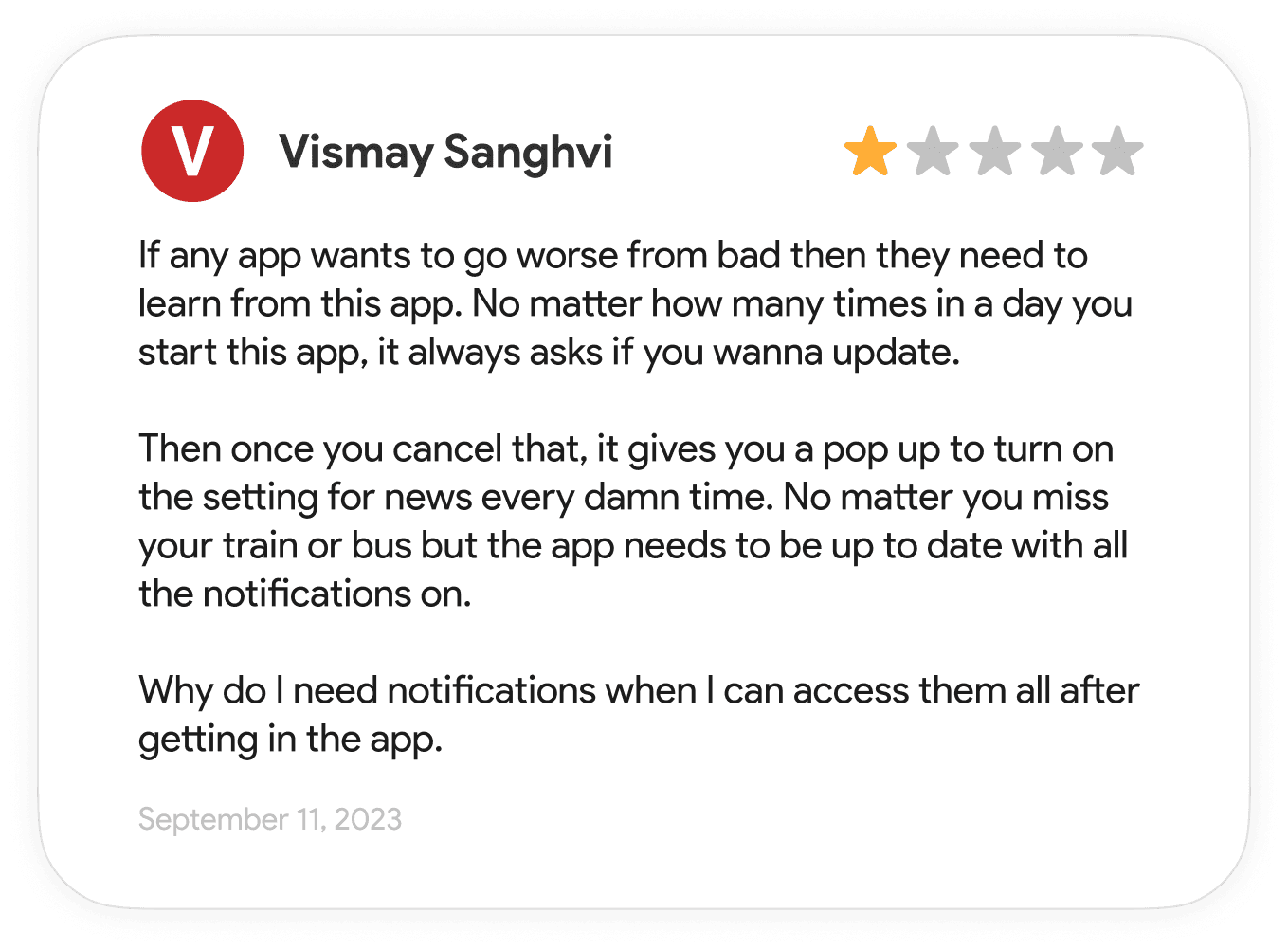
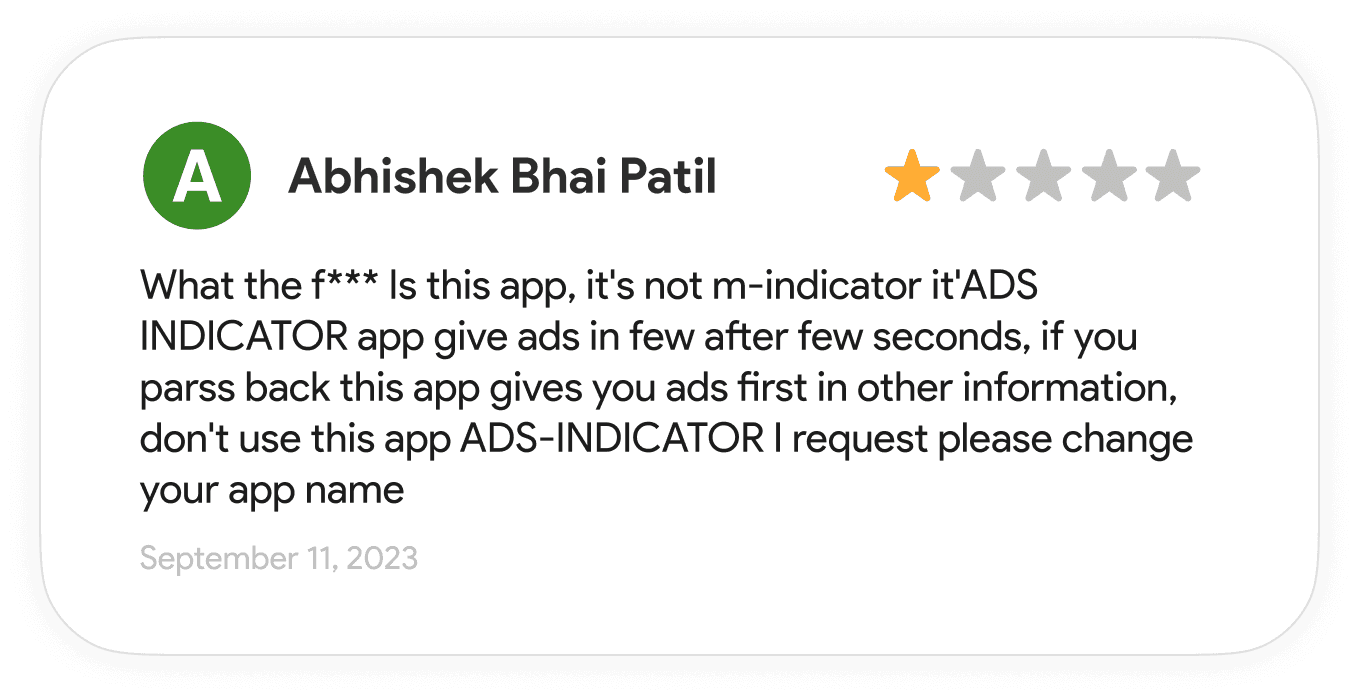
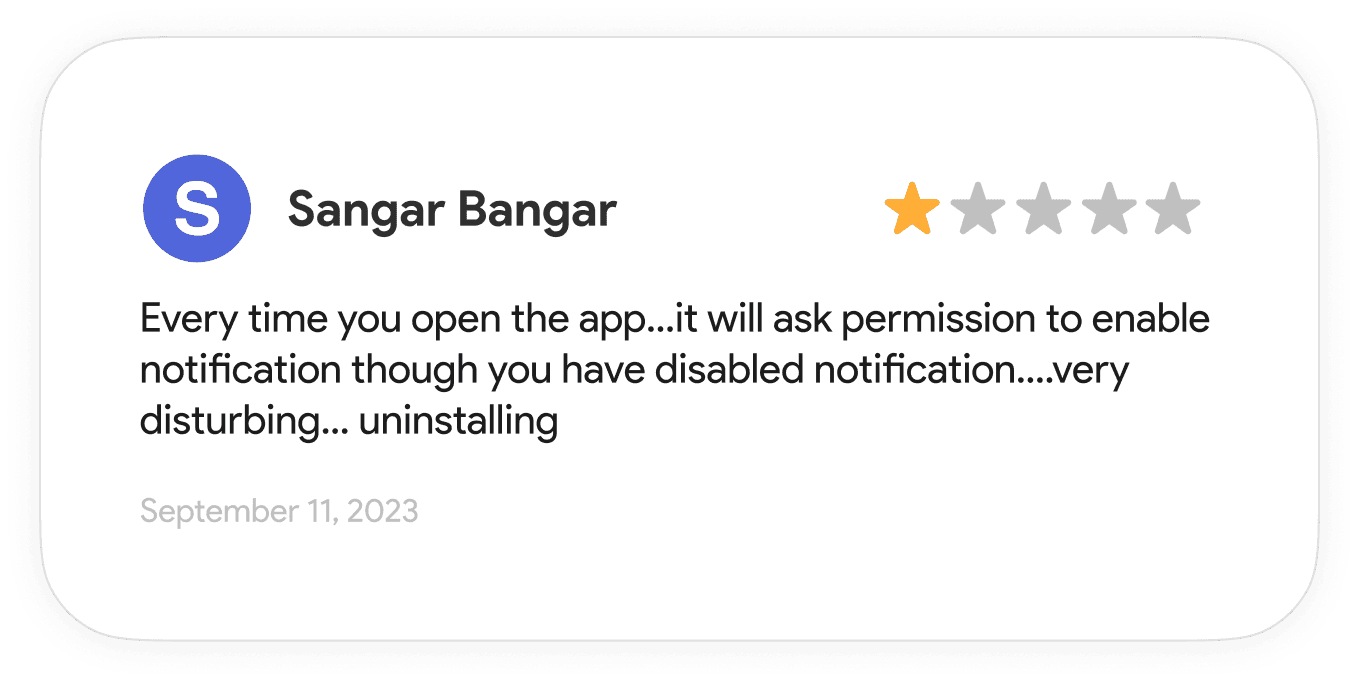
Users are frustrated with the constant ads on the app.
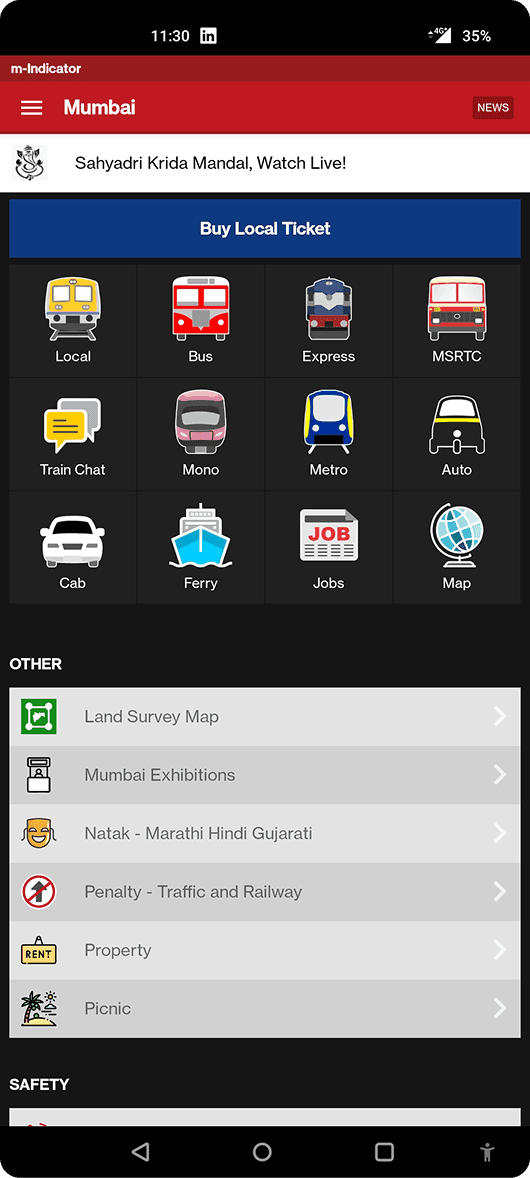
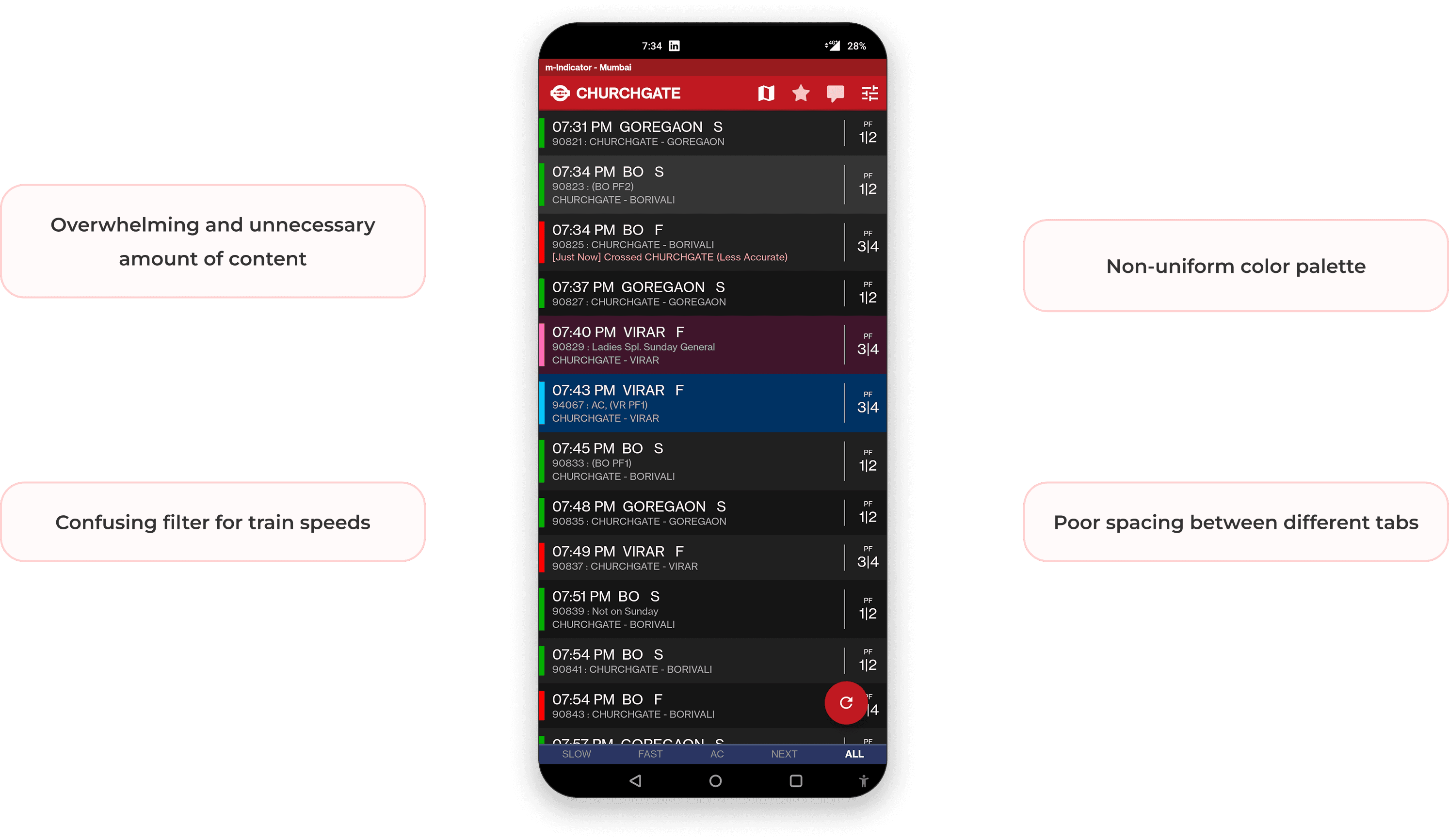
App has a very jarring contrast scheme
App has a dark theme only, this can cause visibility issues as this app is mainly used outdoors
Sometimes data on the app is not updated in real time causing bad UX
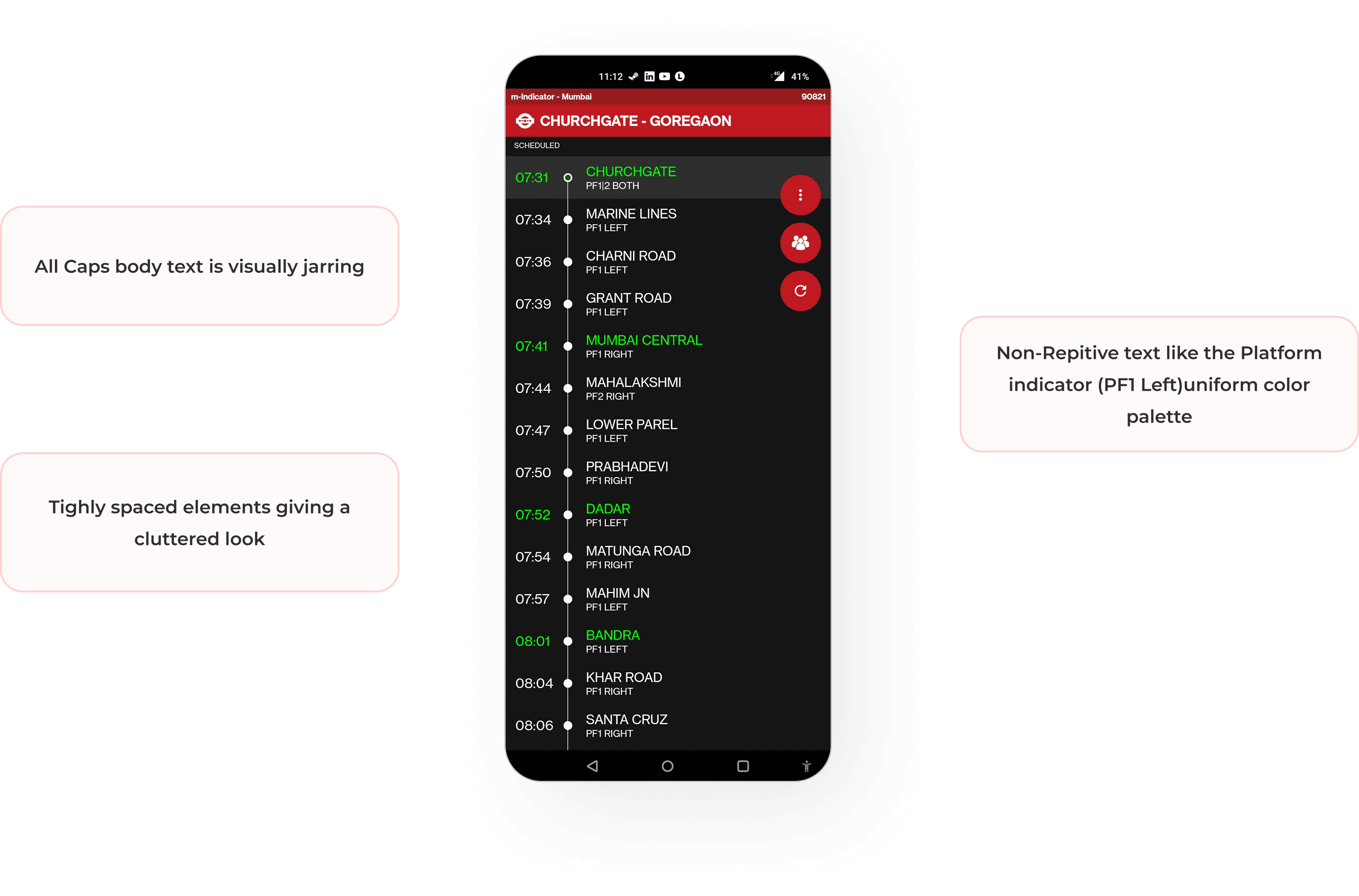
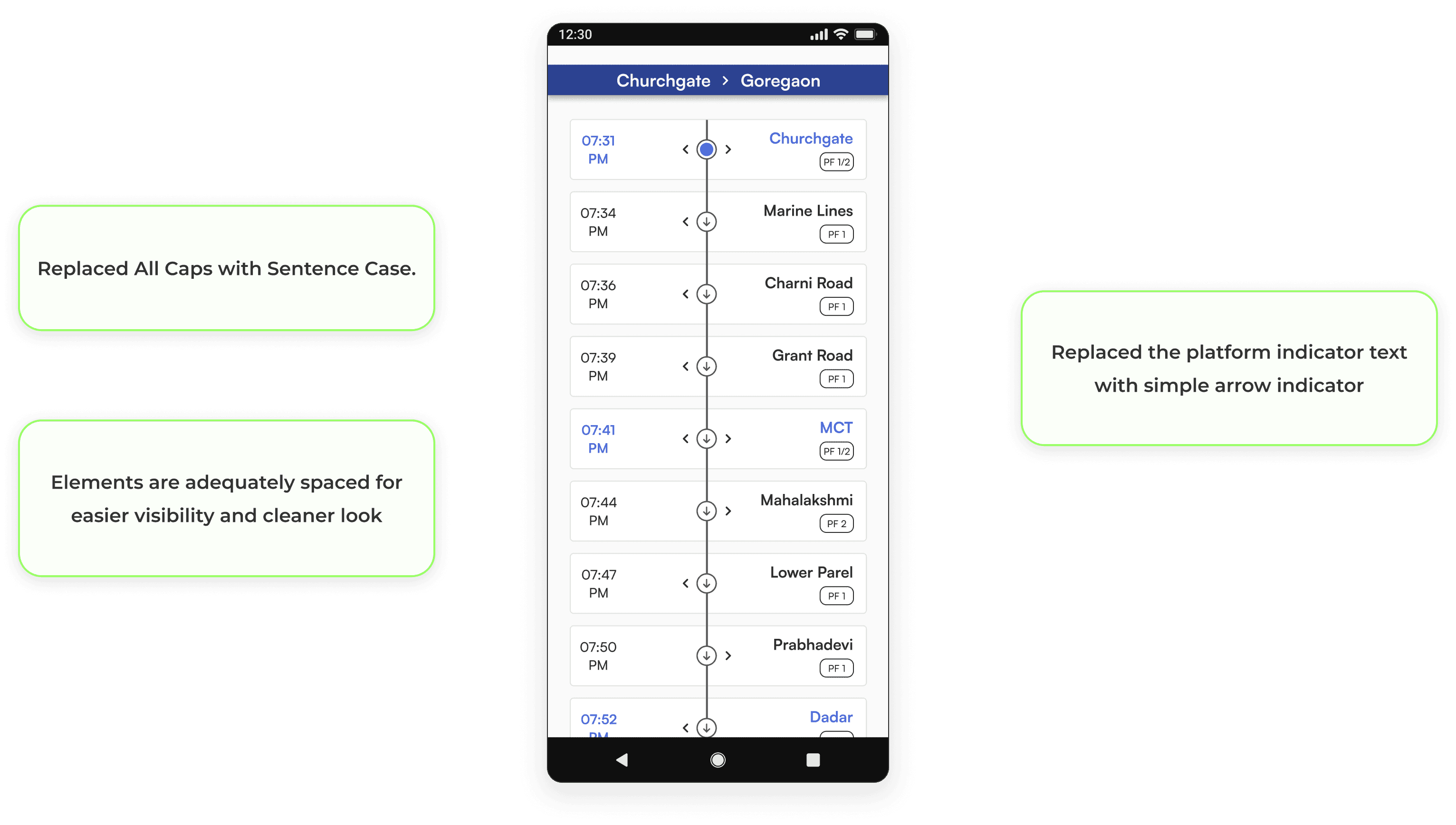
As we navigate through the app screen by screen, I'll shed light on the pain points discovered through user research and my personal observations. You'll also see how these issues were effectively addressed in my redesign, aimed at creating a more intuitive and user-friendly M-Indicator experience.
Original Home-screen
Redesign
Orignal Train Schedule Page
Redesign
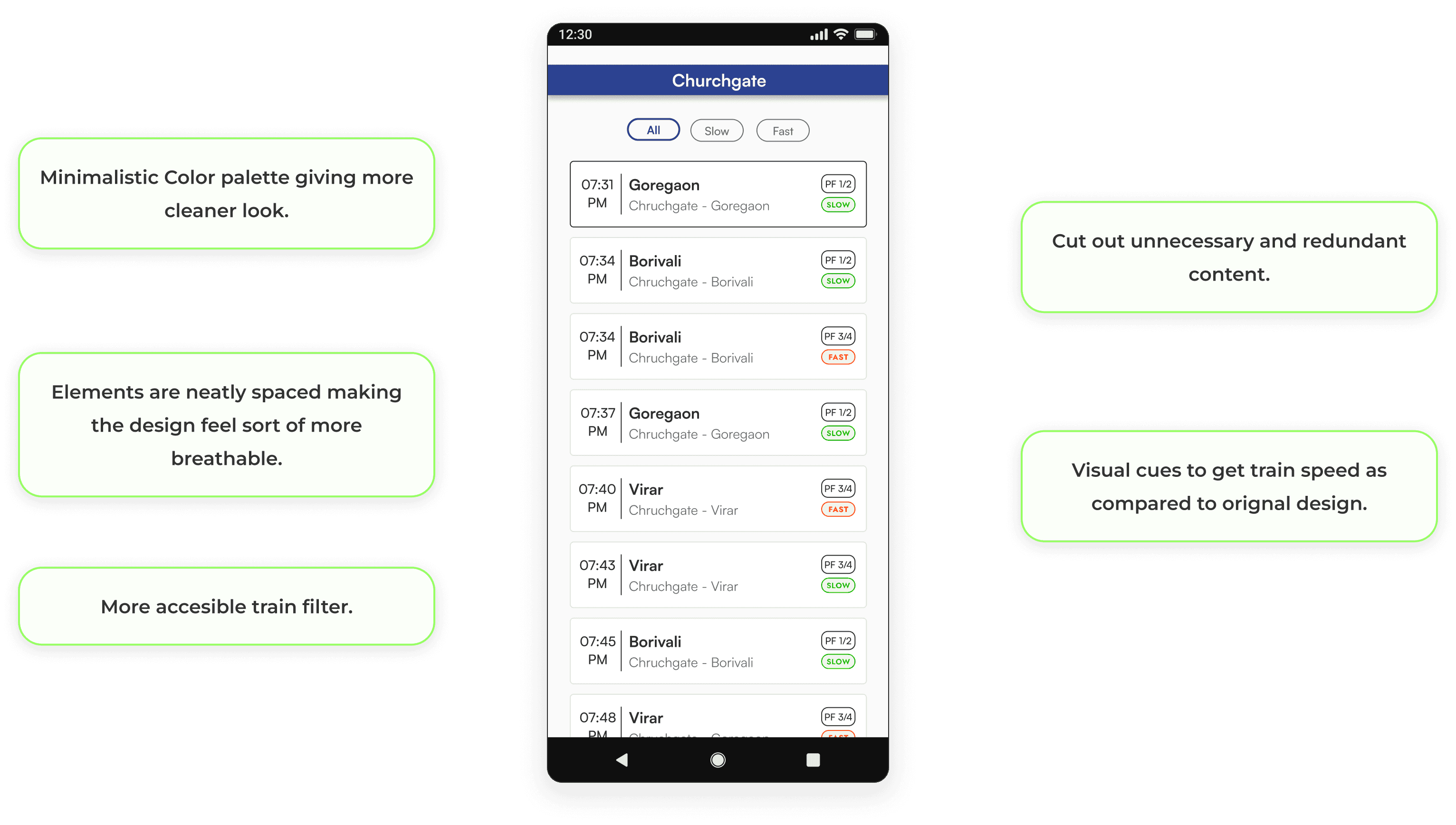
Live location Page
Redesign
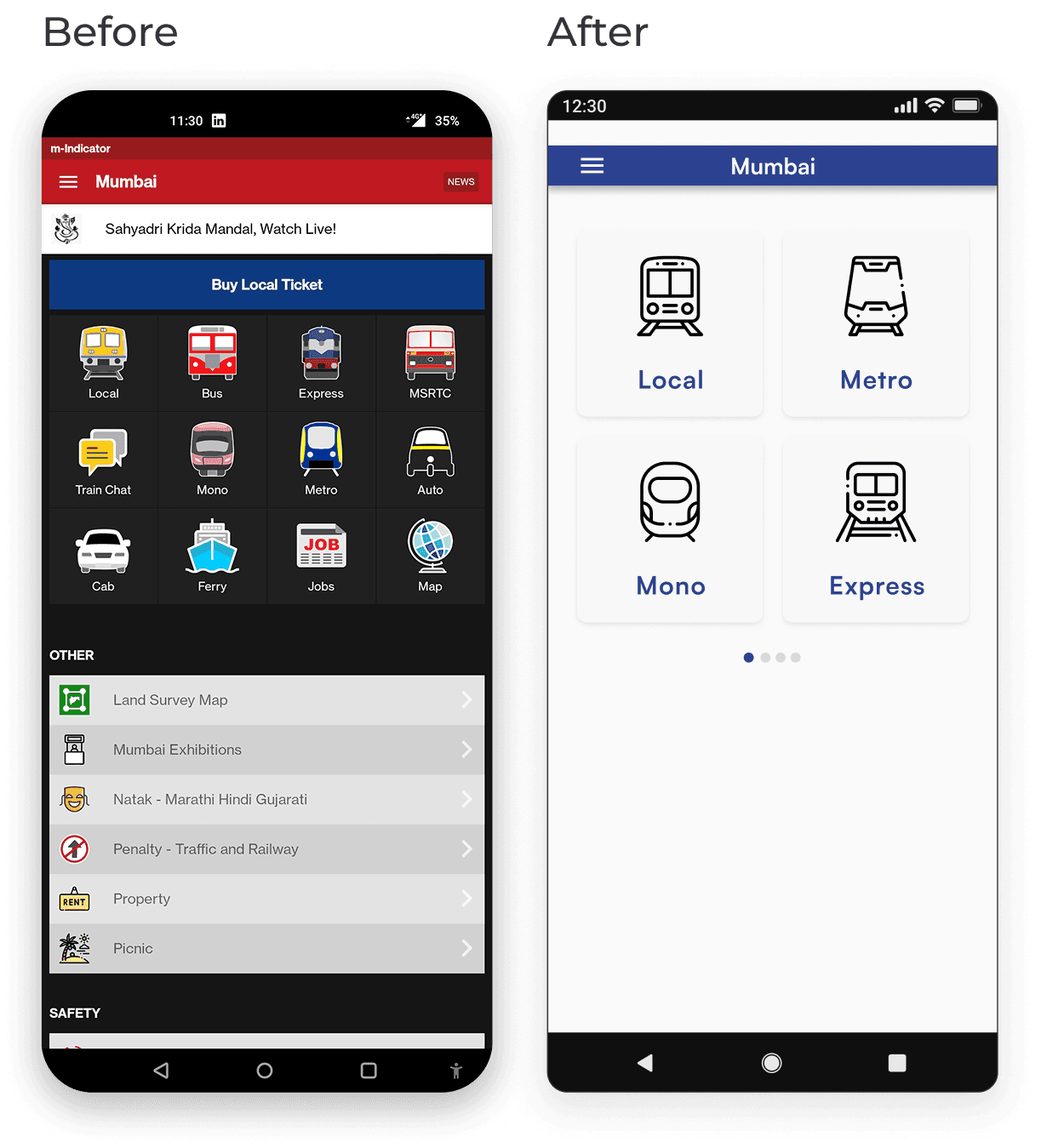
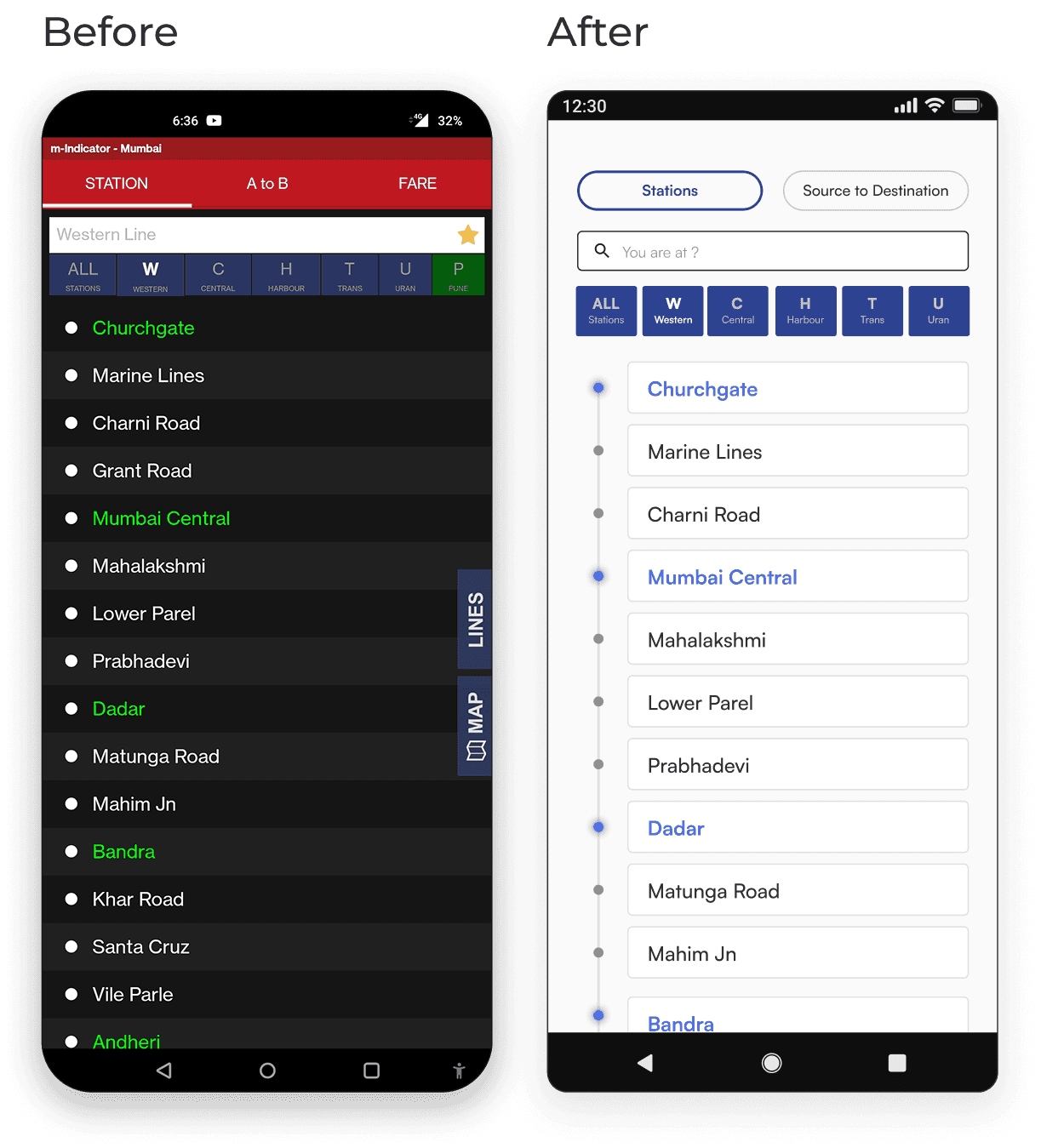
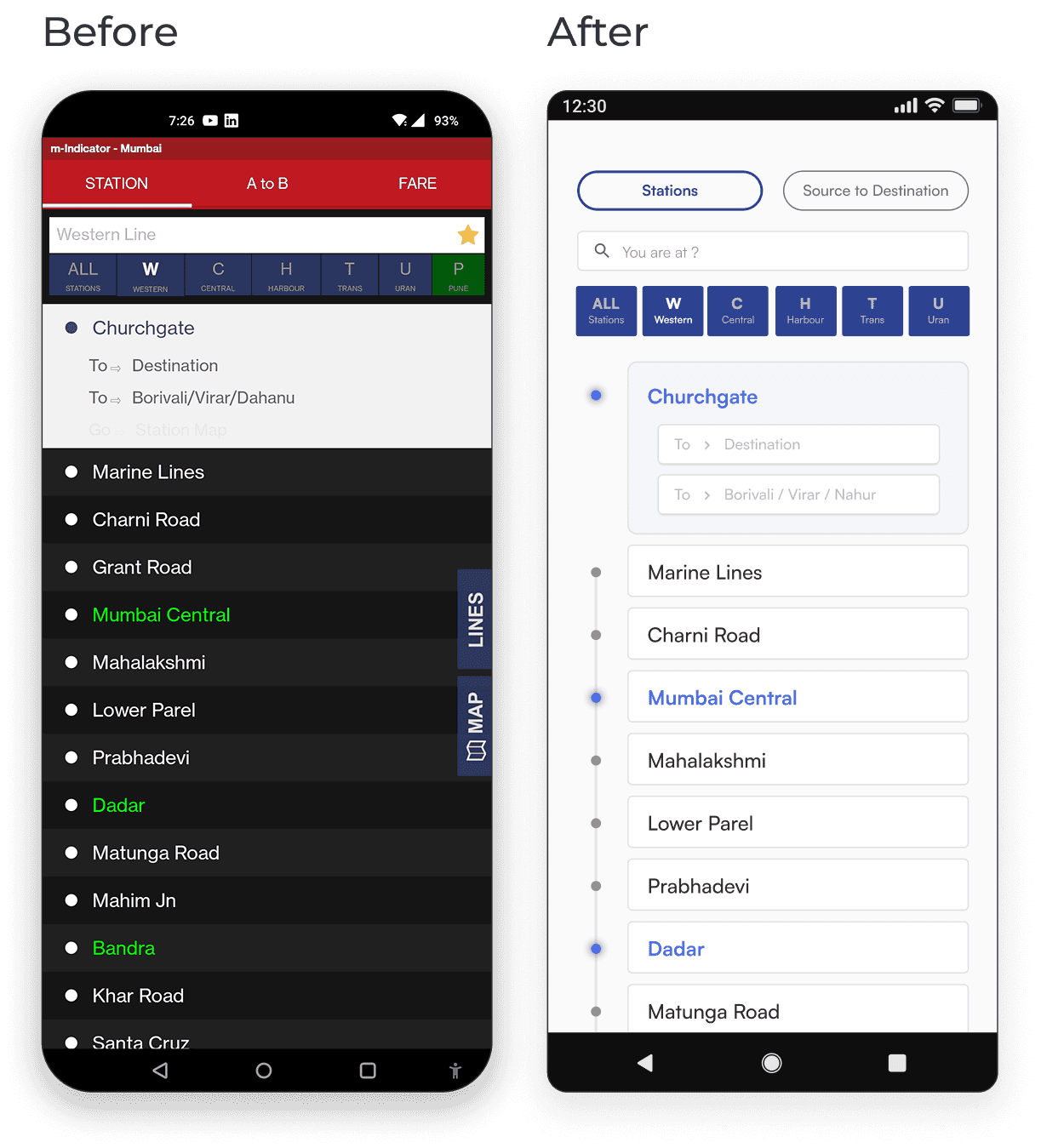
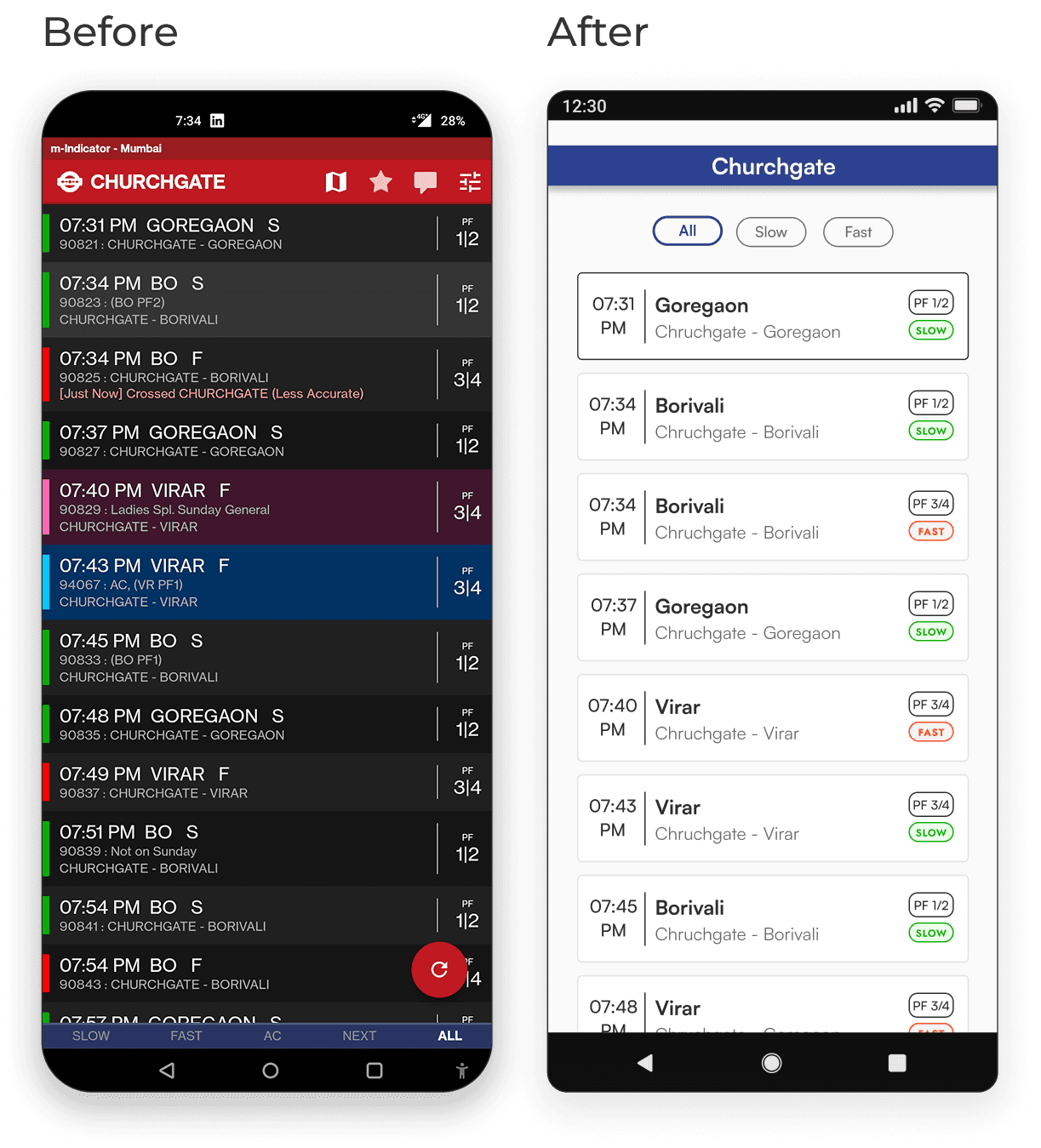
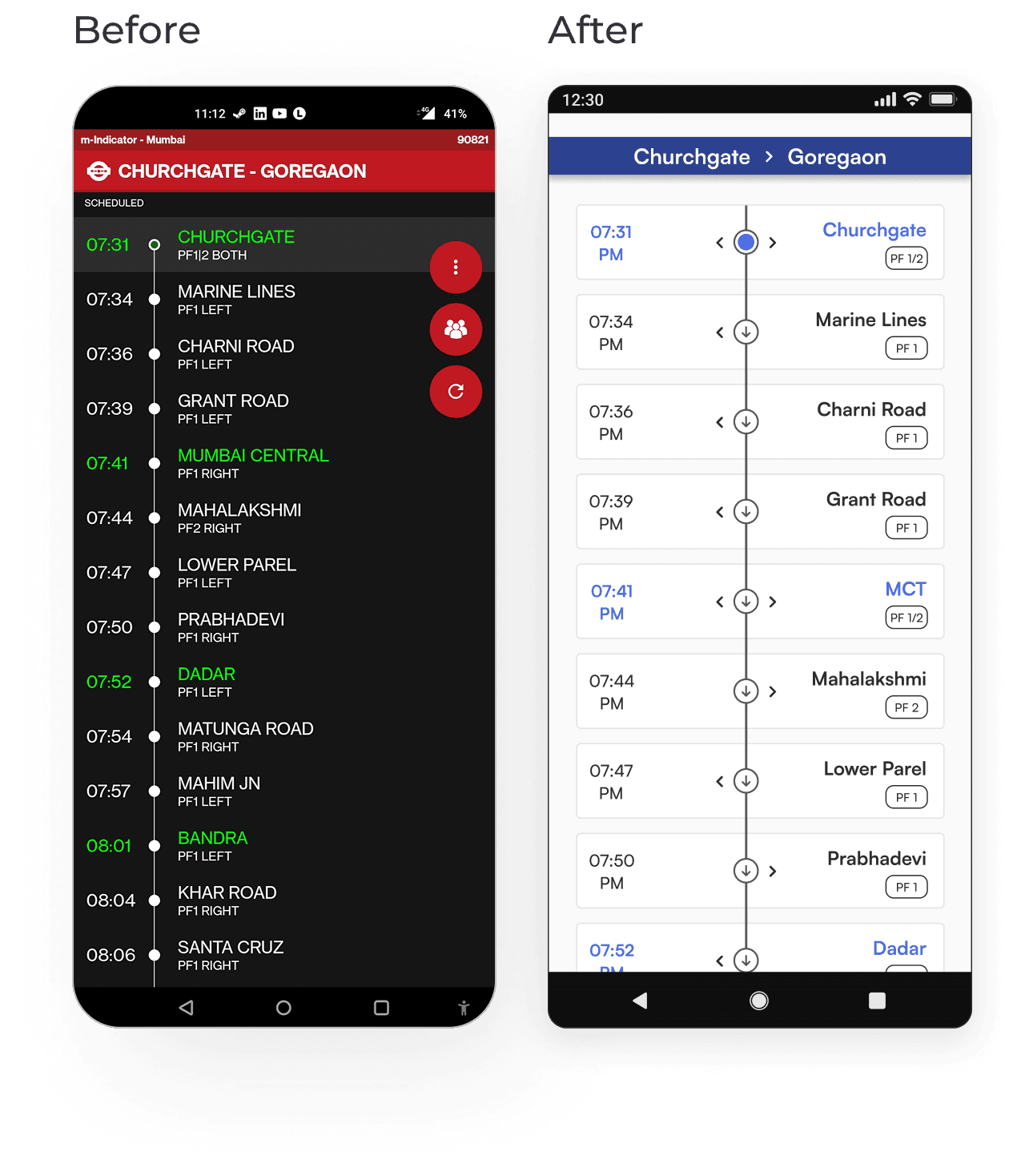
Side by Side Comparison
Now, let's embark on a side-by-side comparison of the app screens—highlighting the key differences between the current design and the redesigned counterparts.
This visual journey will offer a clear glimpse into the improvements made, showcasing how each screen has evolved to provide a more user-friendly and efficient experience.
Color Palette
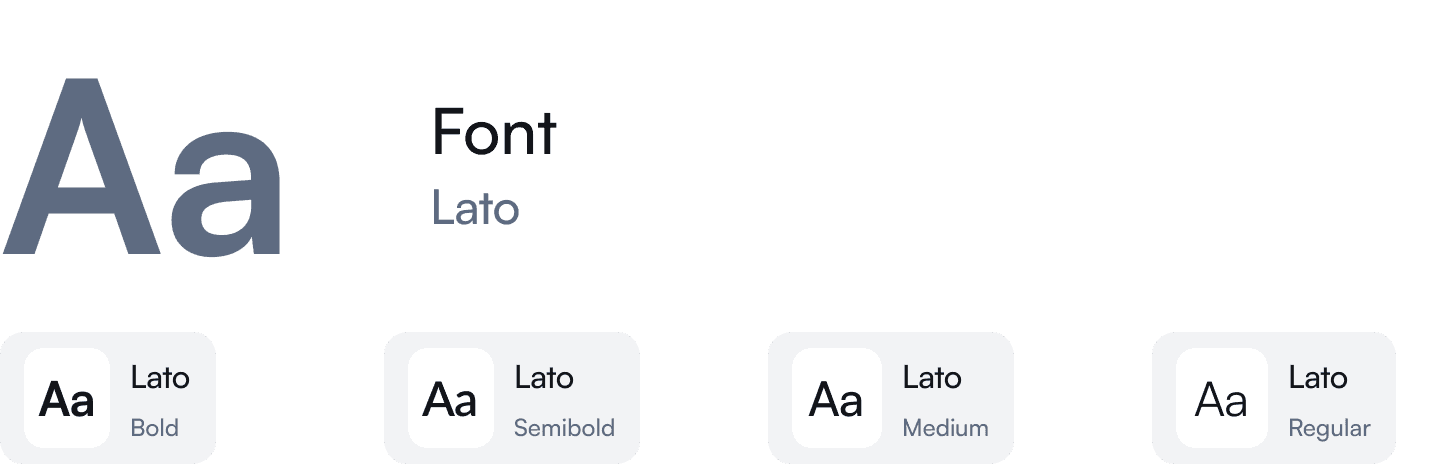
Typography